How to Lock Down Your Google Account Security in 10 Minutes
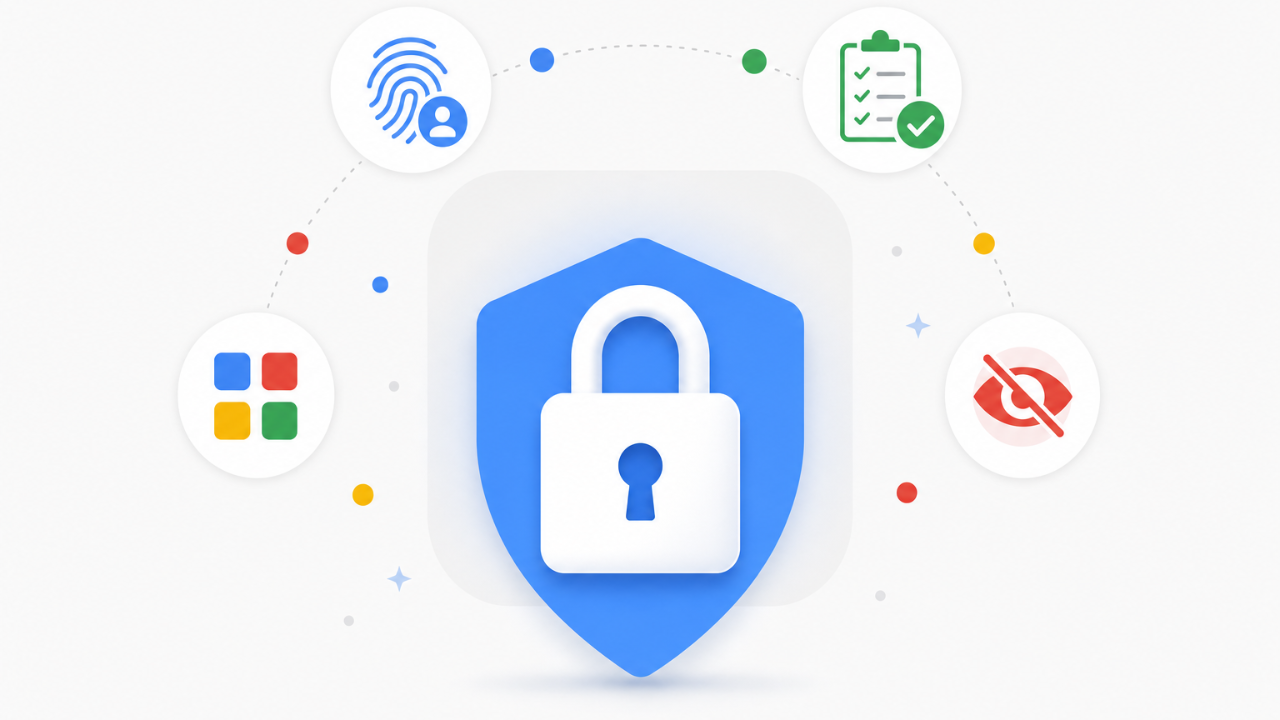
Sep 03, 2026Your Google account holds your email, your photos, your calendar, and the recovery path into half the other accounts you own. 4 settings decide how easy that account is to break into or to track. Fixing all 4 takes about 10 minutes, and none of it requires deleting anything. Just a walk through your account settings.
1. Turn on 2-Step Verification, or set up a passkey
A password alone is one leak away from someone else reading your email. 2-Step Verification adds a second check, a code, a prompt on your phone, or a security key, so a stolen password by itself isn't enough to get in.
Go to myaccount.google.com, open Security, and under "How you sign in to Google" turn on 2-Step Verification. If your device supports it, set up a passkey instead at myaccount.google.com/signinoptions/passkeys. A passkey signs you in with your fingerprint, face unlock, or device PIN, and it can't be phished the way a password can.
2. Run your Security Checkup
Google's Security Checkup is a short review that surfaces exactly what's been happening on your account: recent sign-in activity, the devices currently signed in, and your recovery phone and email.
Go to myaccount.google.com/security-checkup. Look through the devices list for anything you don't recognize and sign it out. Confirm your recovery phone and email are current, since those are what Google uses to verify it's really you if you ever get locked out.
3. Review third-party apps with account access
Every app and site you've ever signed into with "Continue with Google" still holds a standing connection to your account, even the ones you stopped using years ago. Each one is a door you forgot was unlocked.
Go to myaccount.google.com/permissions and scan the list. Remove access for anything you don't recognize or don't use anymore. You can always reconnect an app the next time you sign in with it.
4. Turn off personalized ads
Google still shows you ads either way. This setting decides whether it builds a profile of your activity across Search, YouTube, and Gmail to choose which ones you see.
Go to myadcenter.google.com and open the ad personalization controls. Turn personalized ads off, and check the Manage Privacy tab for the specific data sources feeding that profile, like your Search history and YouTube watch history.
10 minutes, 4 settings, and your Google account stops handing strangers a way in.
That's it
Put a recurring reminder on your calendar to run through this list again in a few months. Google adds new account protections regularly, and third-party app access has a way of piling back up without you noticing.