When Doubling Your Microsoft Outlook Email Is A Good Thing: Backing Up Your Email
Jun 25, 2008Do you remember the first time you figured out the internet and got a new email address?
And everytime you checked your inbox, you wished someone sent you some email?
Nowadays, it's the exact opposite. No one I know want more email than they are currently receiving. Forget about SPAM, there's just too much email going back and forth with varying degrees of importance.
Every email header takes up the same amount of space on the screen and you need to spend the same amount of time with each to figure out if it's SPAM, urgent, non-urgent, completely useless, one of those "REPLY ALL"s that the same people keep sending, etc.


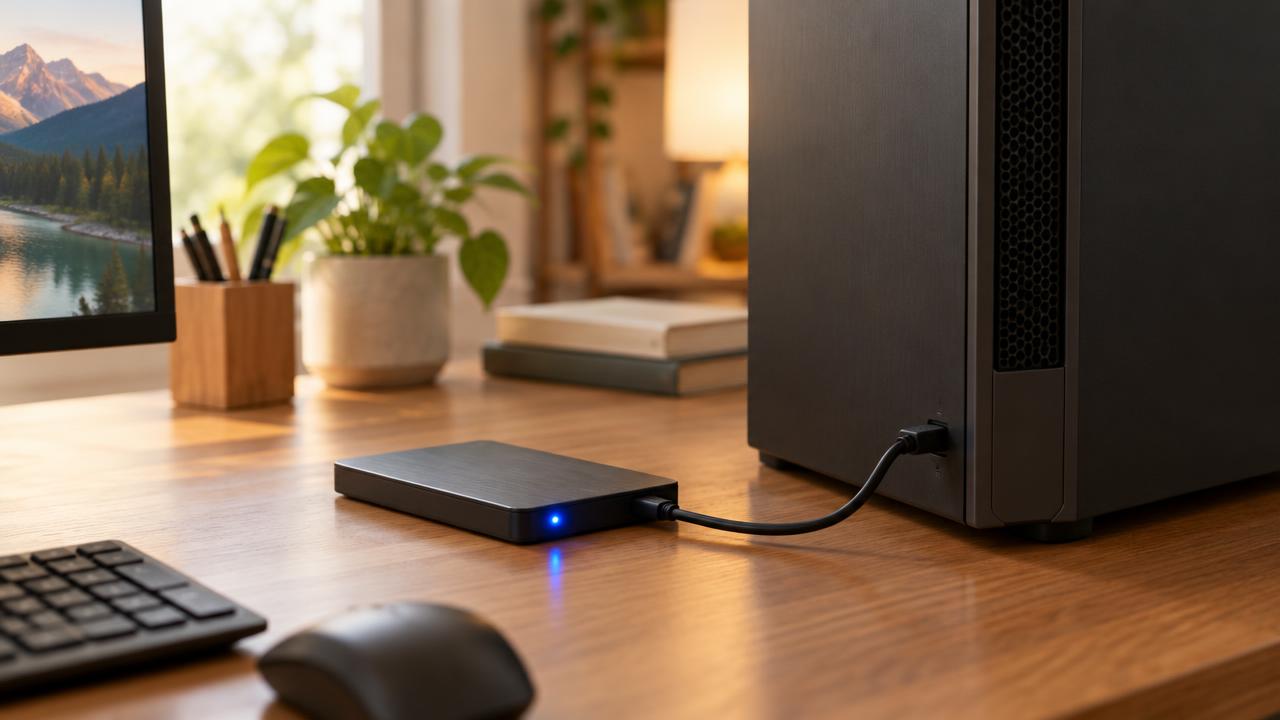
But there's actually once case where you really want to double your email inbox - exactly double it. I'm talking about cloning your Microsoft Outlook .PST email file as a back-up.
If you think of all the data on your computer, all of that email you've saved in different folders in Outlook is probably some of the most important data you have. You can't really afford to loose it and then go through the hassle of rebuilding it all.
Little known to most, there's a FREE plug-in for Microsoft Outlook 2007, 2003, 2002 for automated back-ups.
It will allow you to designate where to put the back-up file and how often to update the email achive file. Remember that .PST files store all data for your Outlook folders, including your Calendar and Contacts. You can have a single .PST file (usually called "Internet Folders" or "Personal Folders" in your Folder List), but you might also have an additional .PST file that you use for archiving ("Archiving Folders"). This free Microsoft utility plug-in lets you back up any or all of these .PST file easily.
WHY YOU SHOULD BACK-UP YOUR OUTLOOK DATA FILE
1) It's Free
2) It backs-up your entire Outlook data file
3) It's automated - set it and forget it
BONUS TIP: you can also back-up your Outlook SETTINGS so that if you have to reinstall your application, you can simply import the existing settings (email accounts, etc) and get right back on track. Microsoft gives simple directions (for once) on how to manage your Outlook settings in this regard.