
Start Your AI Delegation With These 5 Tasks So You Can Spend More Time With Your People
Sep 25, 2026AI delegation starts with one question: what's on your calendar that only you can do?
Pull up your calendar from last week. Count the hours you spent drafting emails, writing up meeting notes, and reworking the same report for different audiences.
Then count the hours you spent with your staff and the people your ministry serves. If the first number is bigger than the second, AI can help you change that.
Use a Two-Question Filter Before You Hand Anything Off
The early church dealt with this too. In Acts 6, some widows were being overlooked in the daily food distribution. The apostles took the need seriously and asked the community to choose 7 trusted people to run it. The apostles said this freed them up to focus on their own work:
“...and will give our attention to prayer and the ministry of the word.”
Good delegation works the same way. You protect the work only you can do, and you hand off the rest.
Before you hand a task to AI, ask two questions.
First, does this task repeat? Weekly reports, meeting summaries, and routine email replies come back again and again.
Second, does this task need your judgment, your presence, or a relationship? A hard conversation with a staff member does. A first draft of your monthly board update usually doesn't.
If a task repeats and doesn't need you in the room, hand it to AI first.
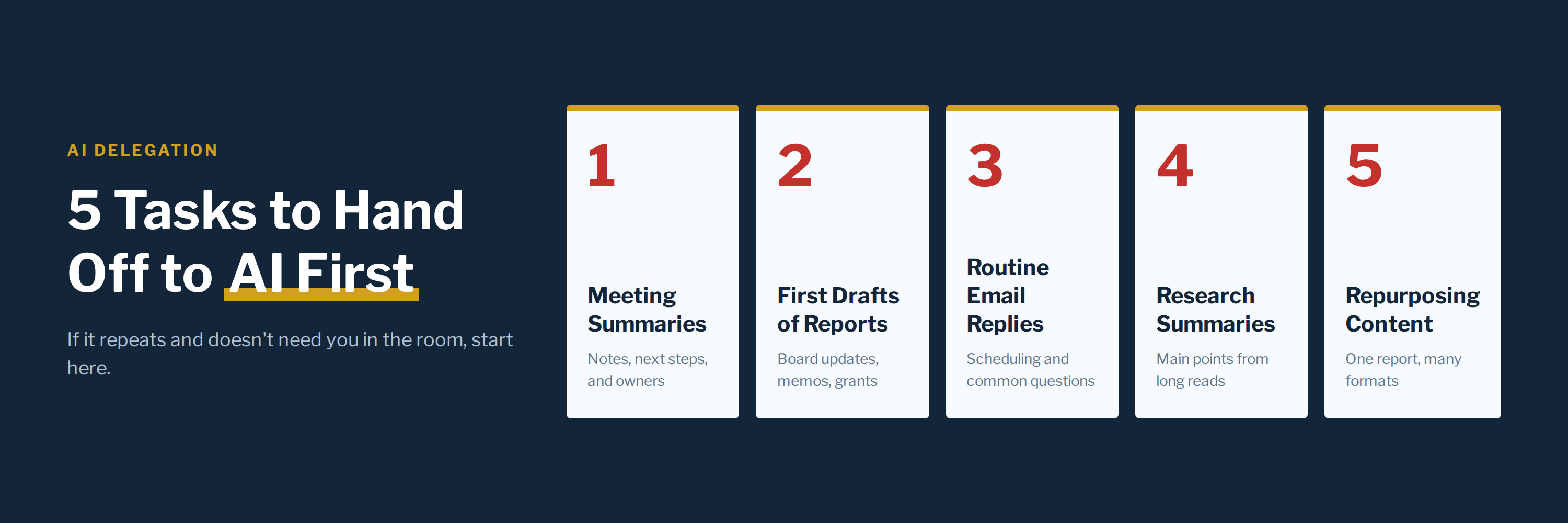
5 Tasks to Hand Off to AI First
[INSERT IMAGE: ai-delegation-5-tasks-3x1.png]
1. Meeting Summaries and Action Items
Paste in your notes or a transcript. Ask AI for a short summary with next steps and who owns each one.
2. First Drafts of Reports
Board updates, staff memos, and grant reports all go faster when you start from a draft. You still rewrite it in your own voice and add what only you know about your people and your mission.
3. Routine Email Replies
Emails about scheduling, confirmations, and common questions follow a pattern. Ask AI to draft the reply, then edit it so it sounds like you before you hit send.
4. Research and Reading Summaries
When someone sends you a long article or policy document, ask AI to pull out the main points and the questions you should be asking.
5. Repurposing Content
Turn your annual report into a donor email, a social post, and talking points for your next board meeting. You write it once and use it in several places.
Keep two rules in place as you start. Read every draft before it goes out. And check your organization's AI and data policy before you paste in donor names, staff records, or anything confidential.
Keep These Parts of Leadership in Human Hands
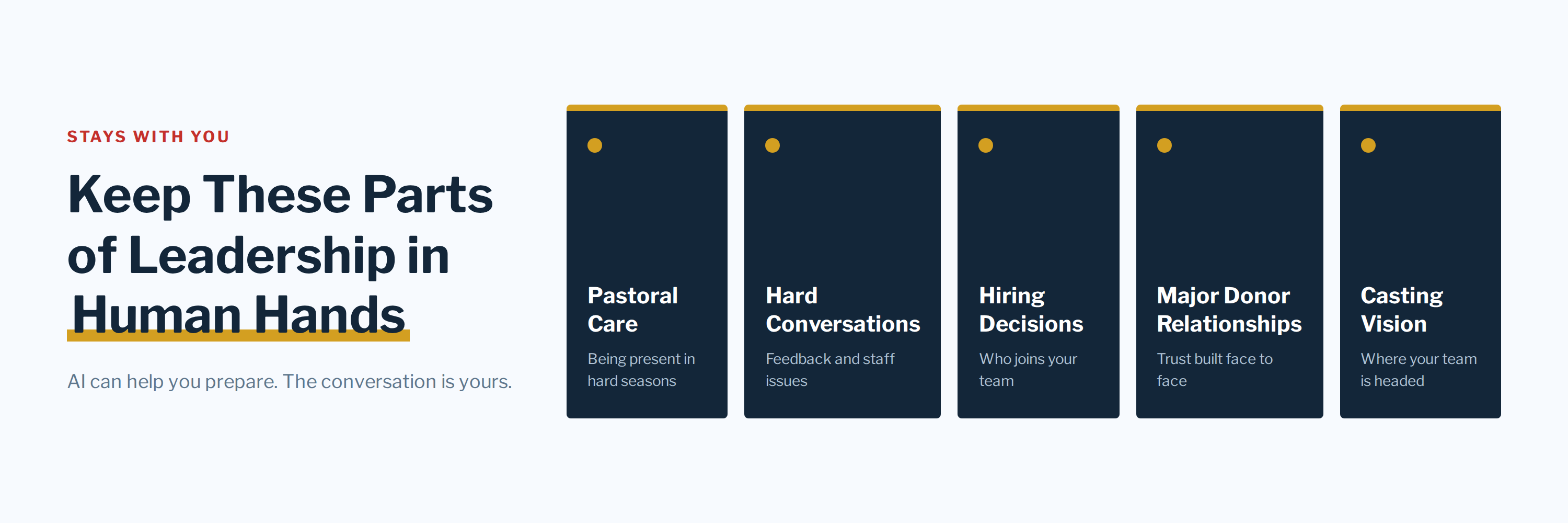
Some work belongs to you. Pastoral care, hard conversations with staff, hiring decisions, major donor relationships, and casting vision for your team all need a person who knows the people involved.
AI can help you get ready for those moments. You can ask it to outline talking points before a tough meeting or suggest questions for a donor visit. The conversation itself is yours.
The people you lead are image-bearers, and they know when someone is fully present with them. Every hour you free up with AI is an hour you can give back to them.
So pick one recurring task this week and hand it off. Then put the time you save on your calendar with a person's name next to it.
Whose name will you write down first?