
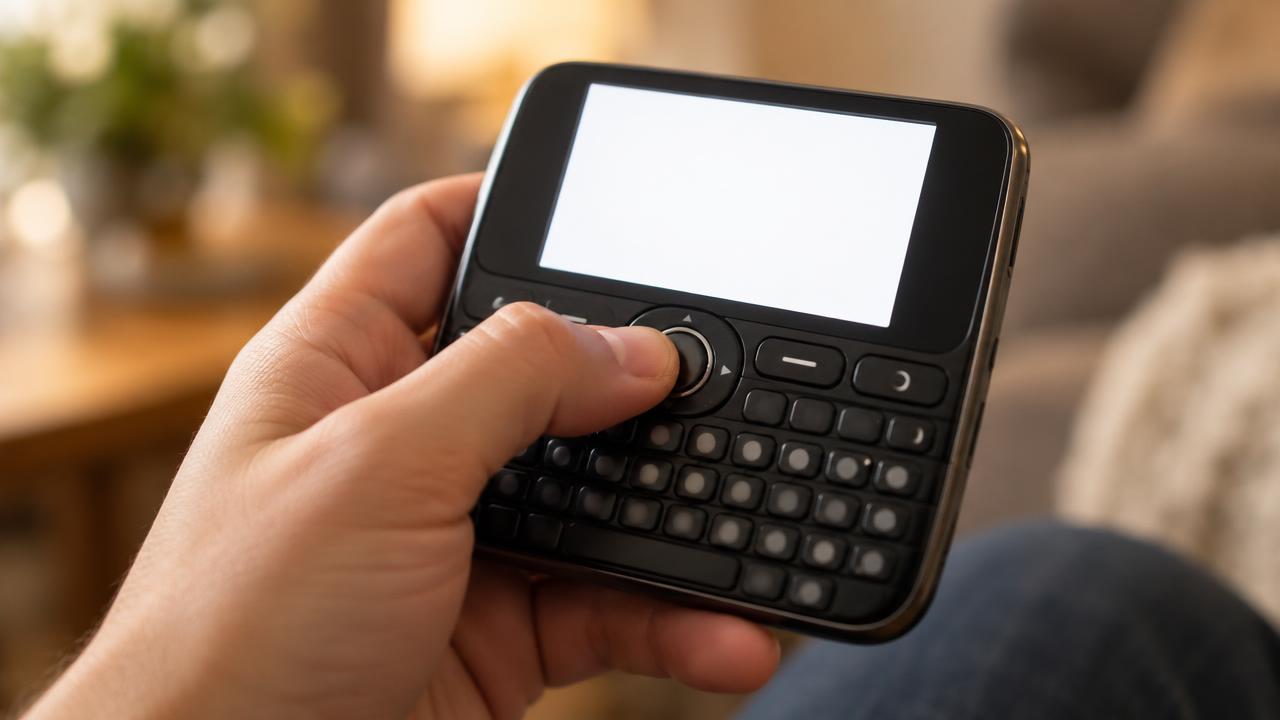
Motorola Q Tip: How To Perform A Hard Master Reset on the Motorola Q Cell Phone
Aug 24, 2007Wow. It looks like everyone needs to wipe out their phone. It all started with a post about how to do it with the Samsung Blackjack, then the Treo, and now it looks like people need instructions for the Motorola Q as well.
Well, we had to disappoint at essistme.com, so here's instructions on how to reset the Q smartphone. . .
HOW TO PERFORM A HARD MASTER RESET FOR THE MOTOROLA Q SMARTPHONE
- Use the navigation pad keys to go to Start > System Tools > MASTER RESET
- Select HARD RESET (don't forget that this deletes ALL data & current settings from the phone)
- Start with the Moto Q off, then try to power on the phone.
- At the startup screen, press the CENTER BUTTON on the nav pad for at least 5 seconds
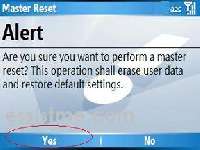
- You will be see on the screen: MASTER RESET?
- Select YES.
- WAIT will the phone is wiped clean and brought back to out-of-the-box condition.