How To Send Free Text Messages From Your Apple iPhone (or any other cell phone)
Apr 05, 2009The original iPhone cellular plan from AT&T included 200 free SMS Text Messages per month...
But AT&T and Apple got wise as they started to sell millions of new iPhones and no longer include free text messaging in the data plan.
Now, you have to pay $5 or more to add on buckets of text messages or else you're stuck paying $0.15 per text message a la carte.
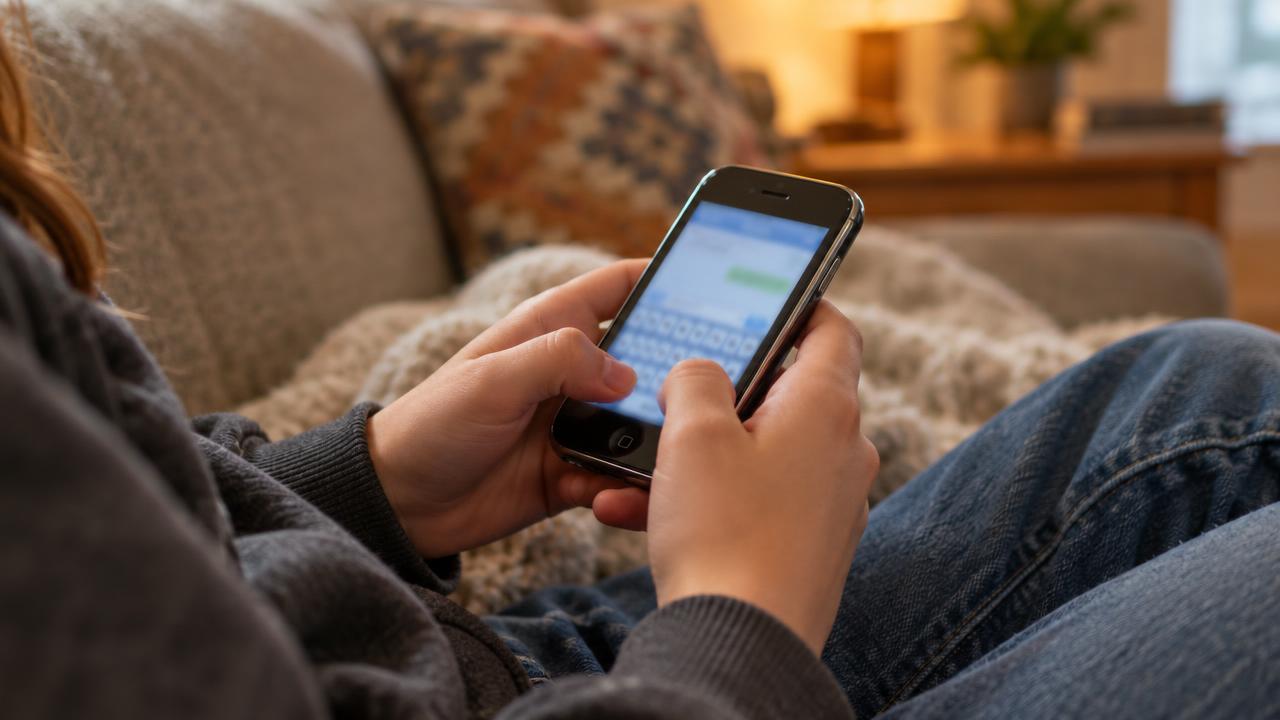
And especially if you have a teen daughter that did nothing but send 10,000+ text messages in a single month at school, home, and everywhere else, you'll be stuck with a massive cell phone bill (imagine getting a cell phone bill from Verizon Wireless for $4,756.25 in a single month?) you need to know about this free service.
Here's a great tip for how to send free text message from the iPhone WITHOUT any additional text message plan.
Of course this also works on any other web-enabled smart phone like Windows Mobile devices...
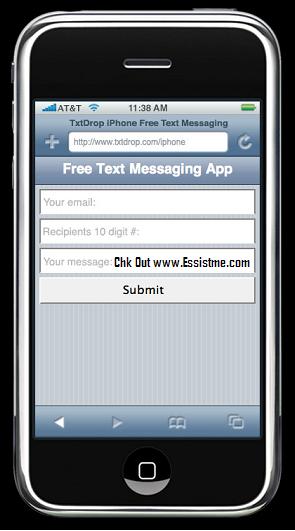
HOW TO SEND FREE TEXT MESSAGES FROM YOUR APPLE iPHONEor ANY OTHER WEB-ENABLED CELL PHONE:
- Open your web browser and go to: http://www.txtdrop.com/iphone
- Simply enter your email address, the tel # of your friend, and the message
- Click SUMBIT and you are done!
(1 image from the original post could not be recovered.)