
Full Screen Countdown Timer
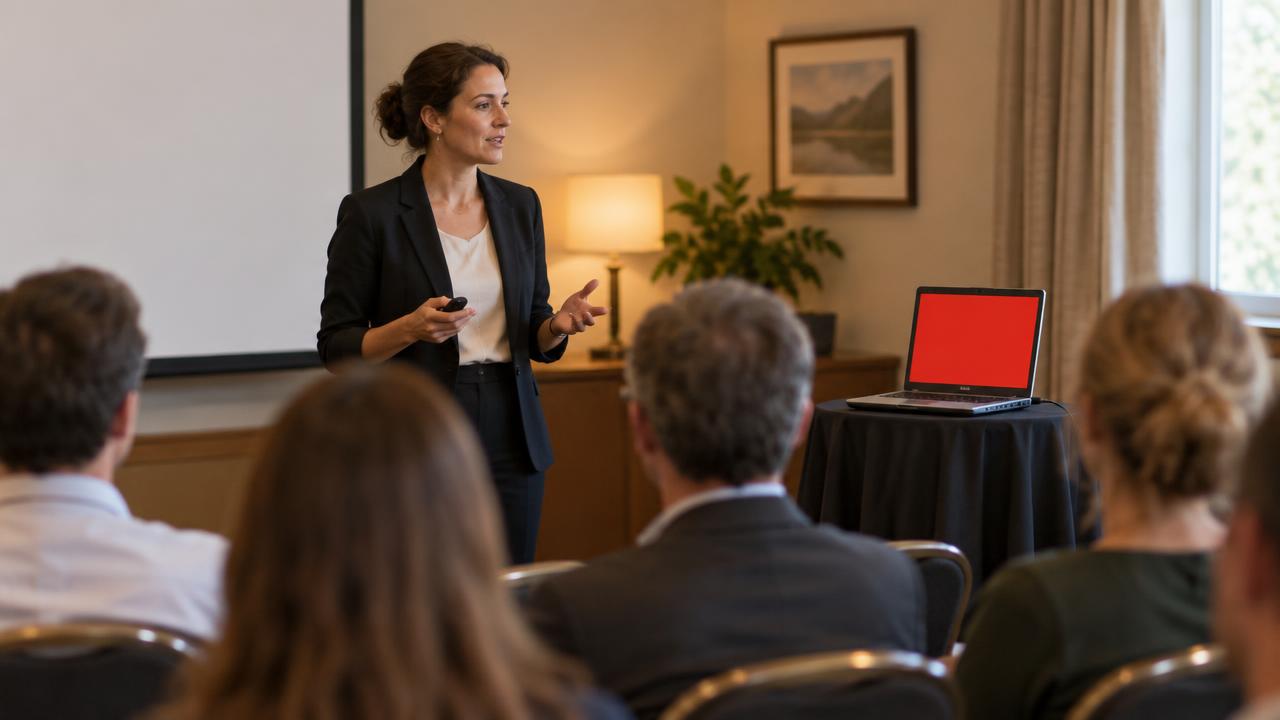
Mar 03, 2010Today, we have an event where several groups will be going back to back giving presentations.
Time is of essence, so we'll have to tend the clock closely. The question is how to do it so that each presenter can be aware of it and not get the gag-music as they do at the Oscars.
We won't have or need the music cue, but a countdown timer would be nice so they are not caught off guard.
Here's a neat web-based countdown (or count up) timer that is also able to go full screen. So all we need is a laptop in the room and we should all be ok.
The site is clean and intuitive for both counting up (stop watch function) and counting down. Below is a walk-through of the simple steps to getting it to work. . .
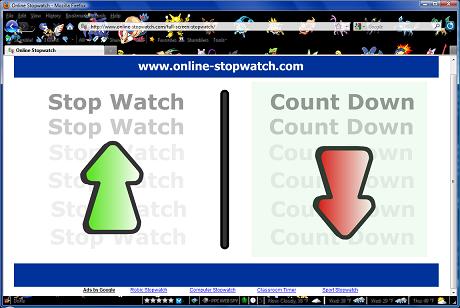
The max is 99 HOURS of counting down. That's a couple of days worth of waiting! But for our own use, we set it for a 7 minute countdown. . .
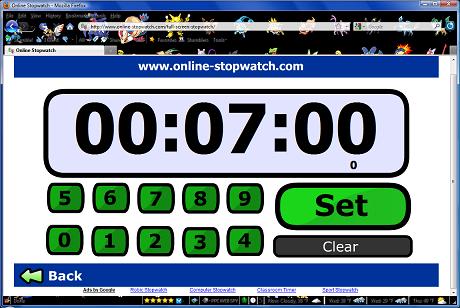
Once you set the countdown timer, you're set to go. You can do it in advance and just click to START. You always have the option to pause the time as well.
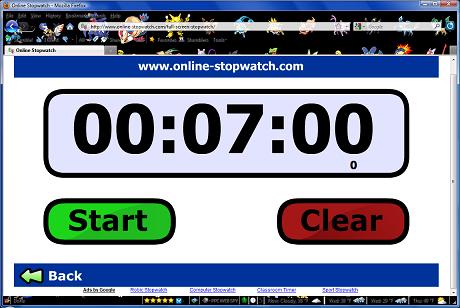
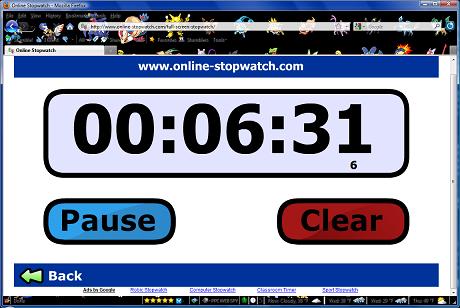
Once the timer starts, the clock actually shows the time left in THOUSANDTHS of a second!
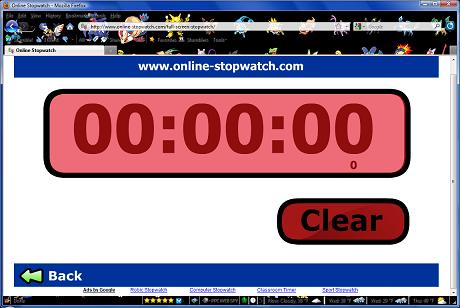
And you'll get a nice big fat RED BLINKING notification when time it up. A classic egg timer "RING" is heard when it is all done. Of course you can turn your speakers off if you don't need the audible alert.
Try it yourself right now at http://www.tinyurl.com/fullscreencountdowntimer
Like it? Wish something else was included? Let us know what you think and in what circumstances you are using this time for in the comments below!